
Choose your model.
Choose from OpenRouter, OpenAI, and Claude in one model selector. Switch models in the same conversation as the work changes.

Neander offers the tools you need to develop, test, and deploy B2B SaaS applications using OpenWeight models.
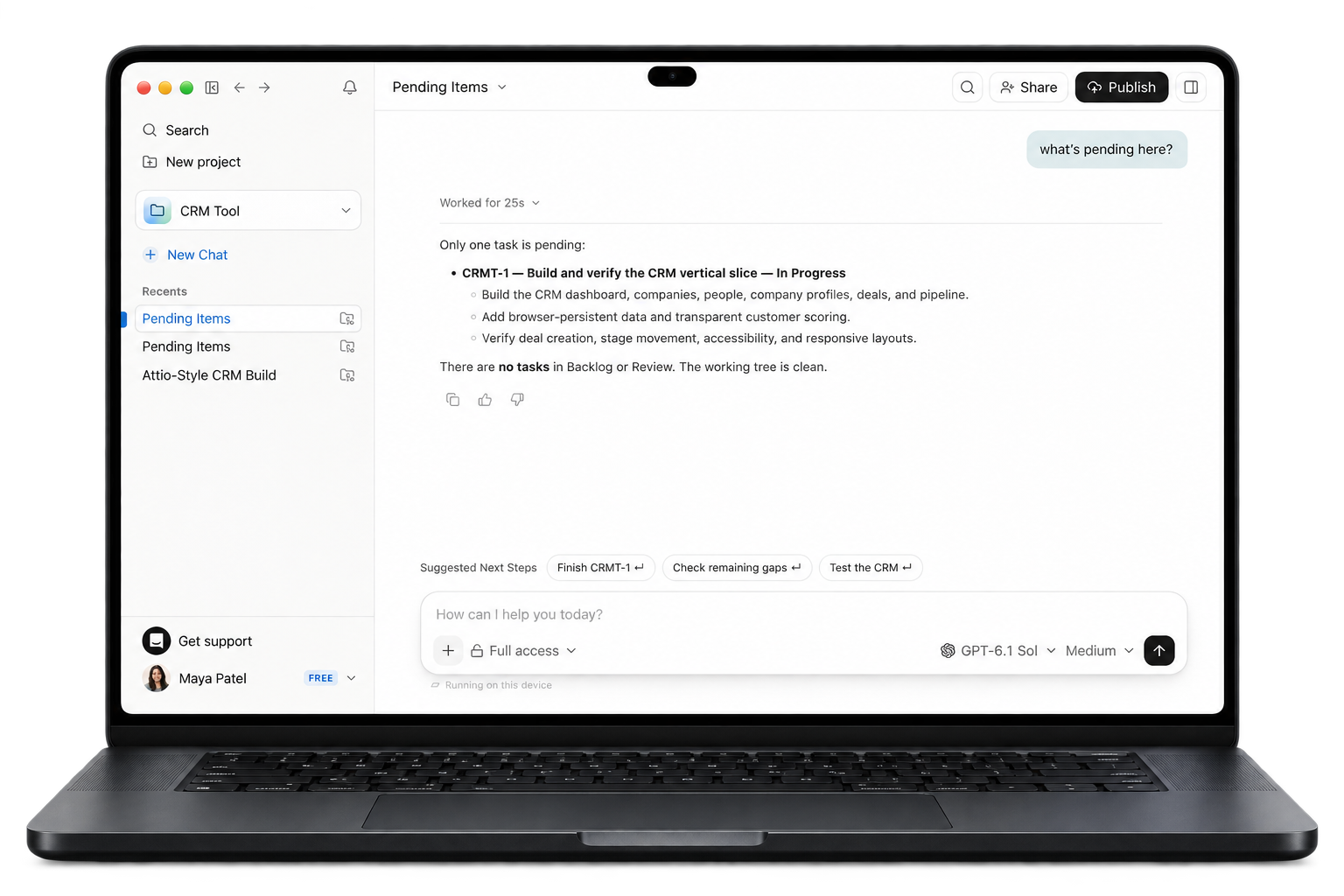
Choose from OpenRouter, OpenAI, and Claude in one model selector. Switch models in the same conversation as the work changes.
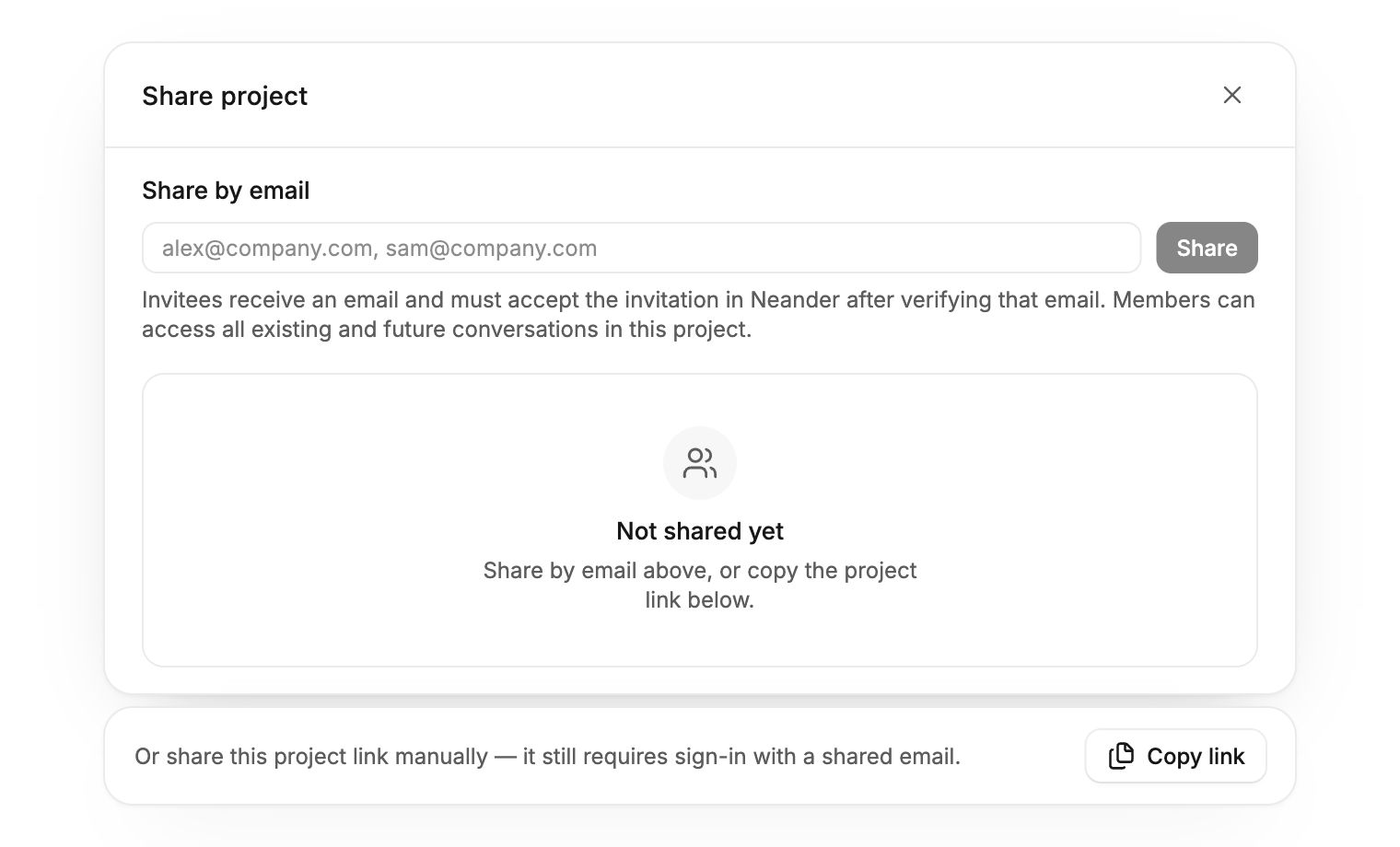
Give teammates a place in the project. Invite them by email to follow the same conversations and help shape the next change.
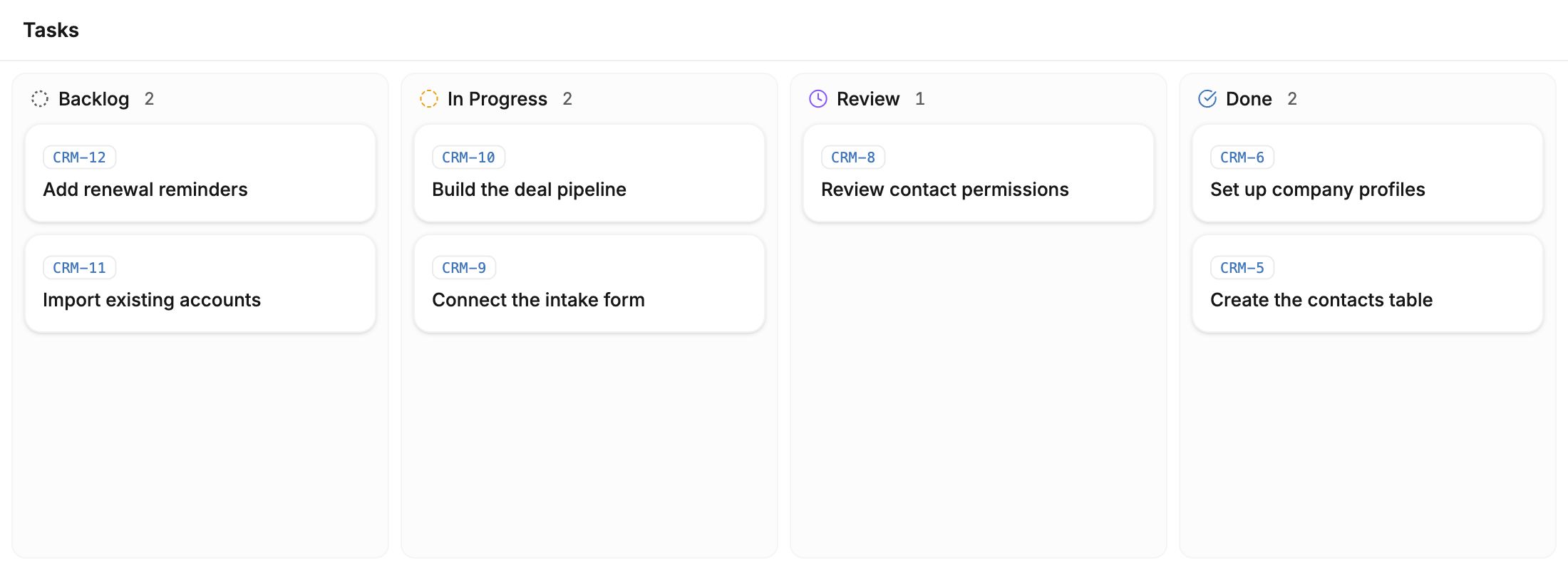
Move tasks from Backlog to In Progress, Review, and Done. Open a card to see the details behind a piece of work.
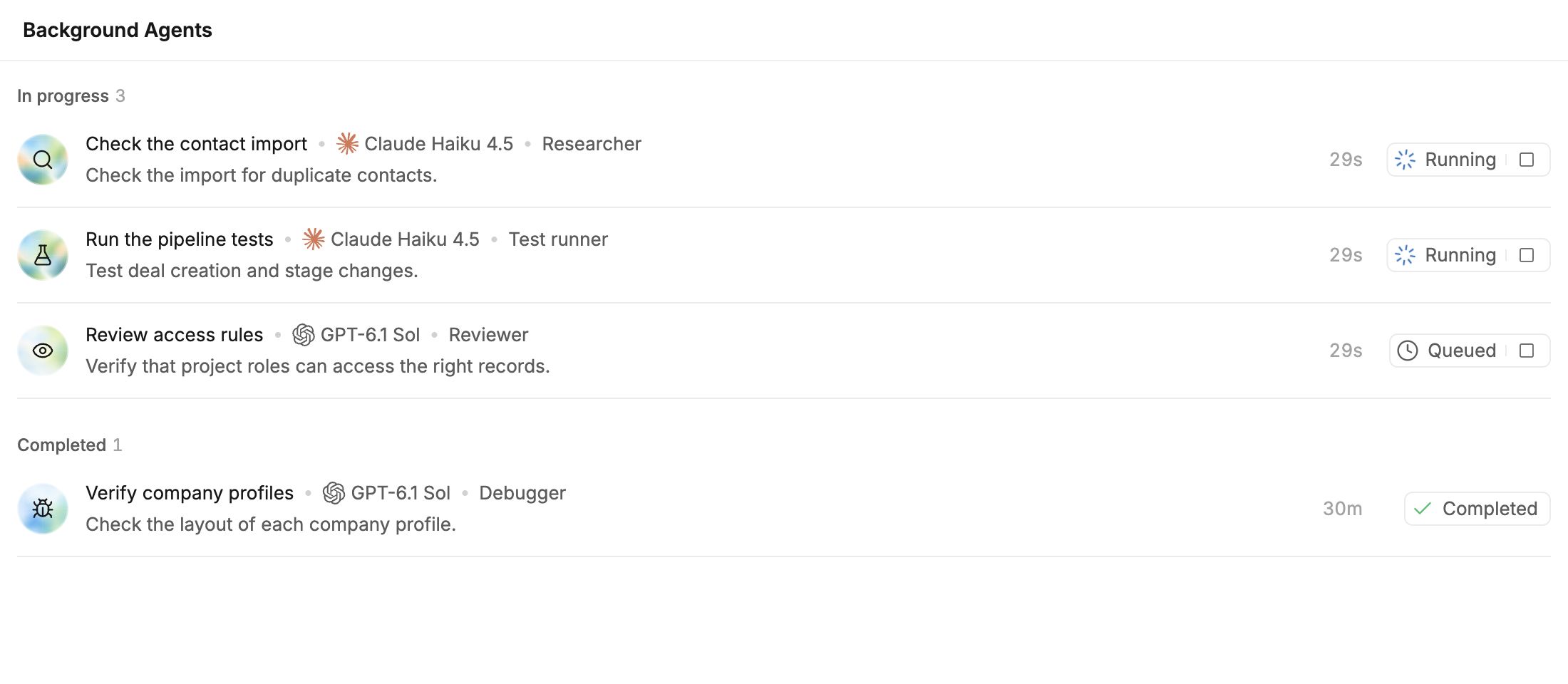
Hand off an import check or a test run while you keep building. Open an agent’s run to see its progress and results.
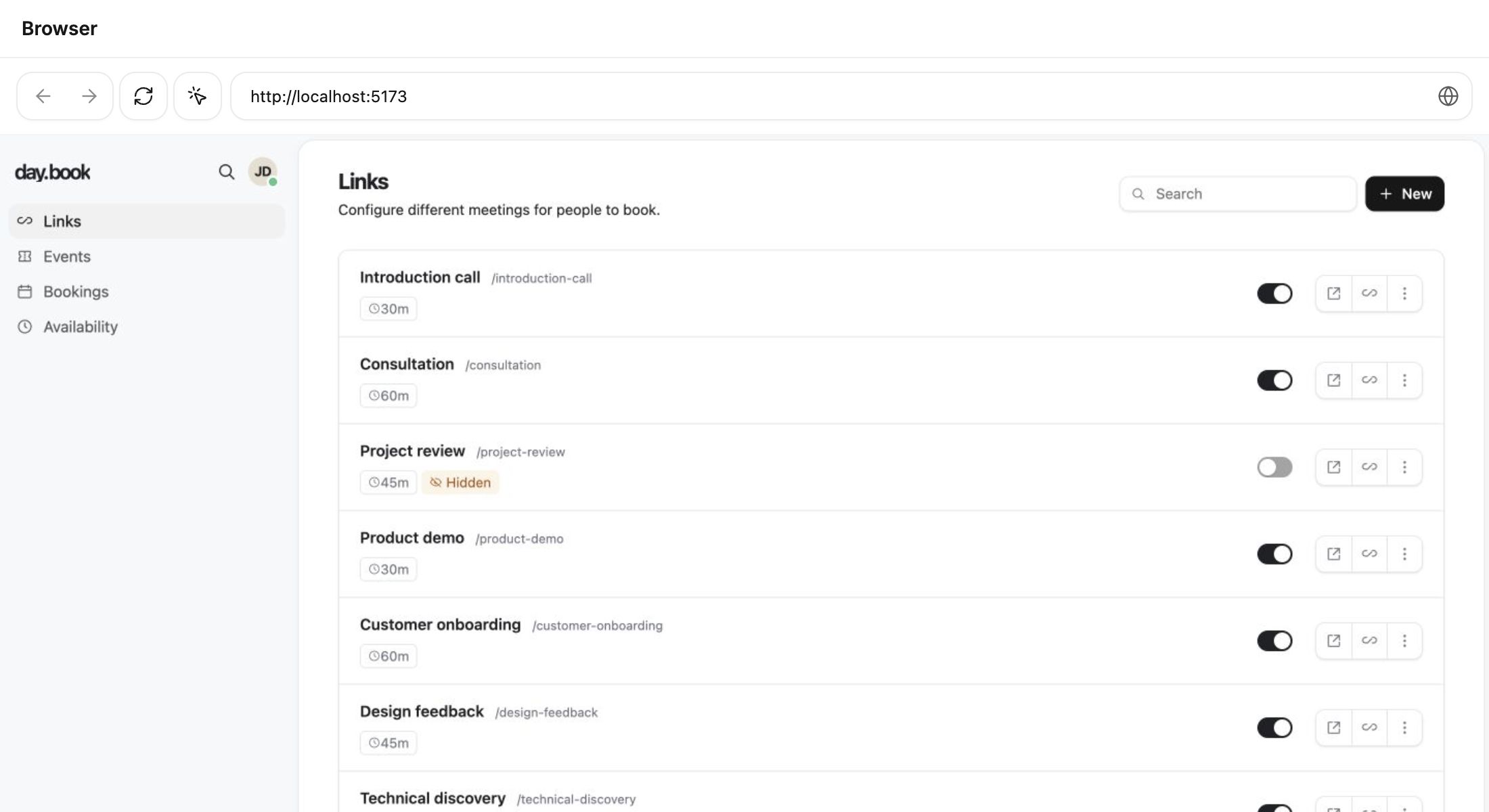
Open your app alongside the conversation. Try a flow, mark the element you want to change, and send that context back to the agent.
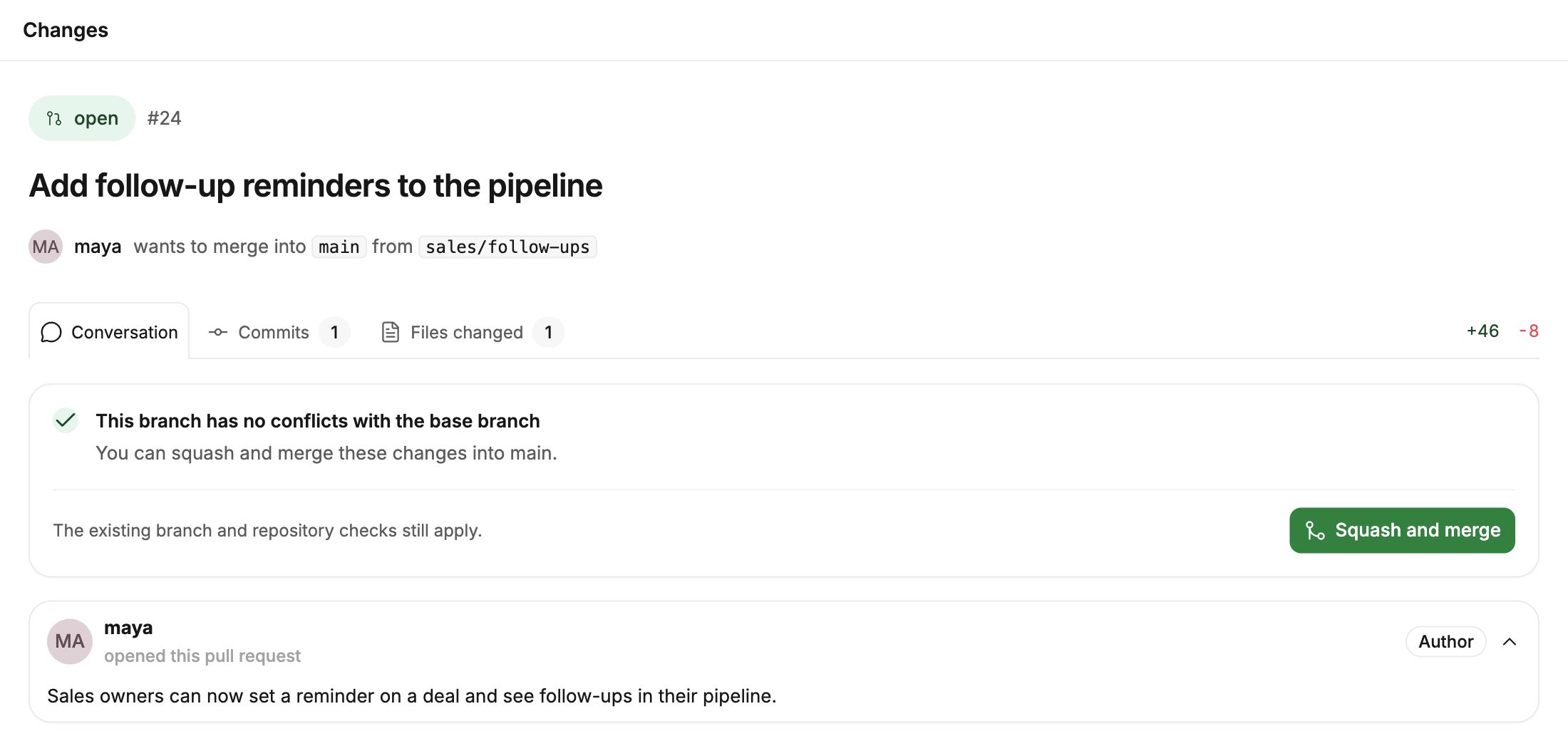
Open a pull request to read the discussion, inspect commits, and see which files changed before you merge.
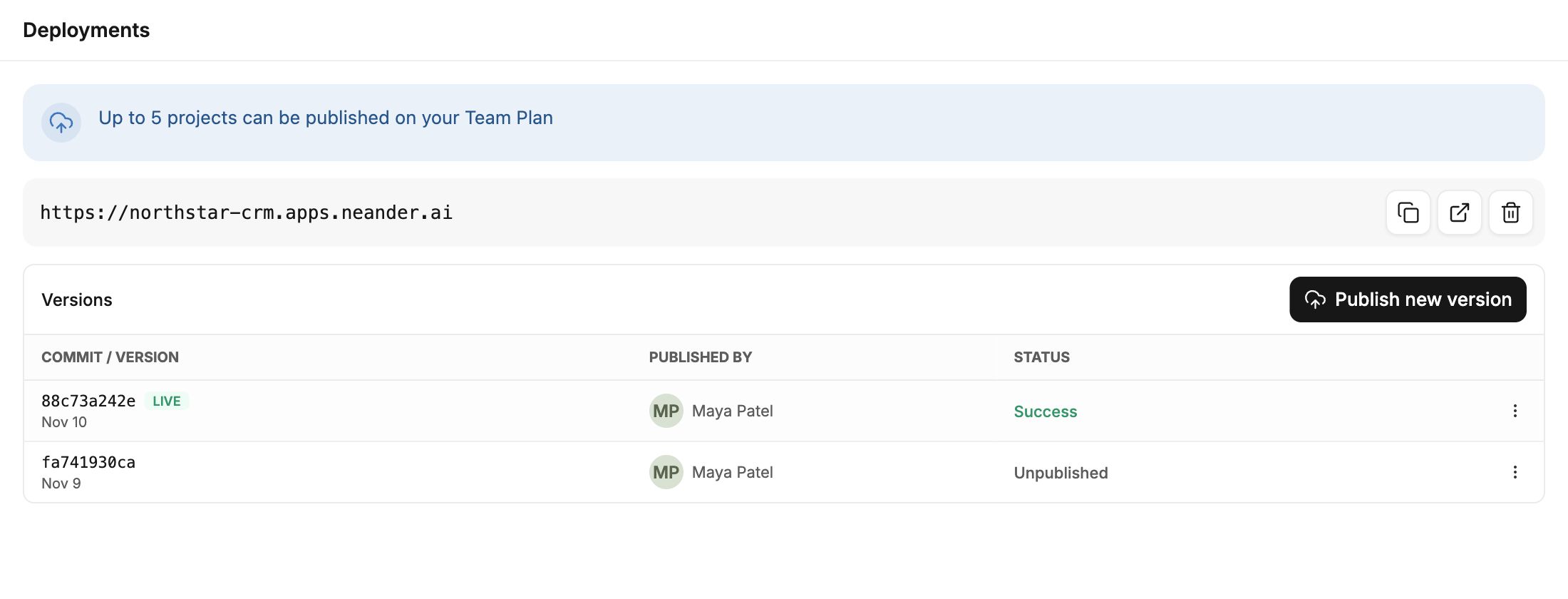
Publish a version when it’s ready. Share the live URL and use the deployment history to see what shipped and who published it.